Three steps to a video
- 1
Load a track
Drag a file in or pick one. Analysis takes seconds and stays on your device.
- 2
Shape the scene
Choose one of 40+ scenes, set colours, move sliders. Every change shows up instantly.
- 3
Export
Whole track, a section or a seamless loop. As MP4 in Full HD, portrait or square.
The analysis behind the image
Jamform takes your track apart before a single frame exists. Not just loudness — the things that make music music.
Tempo and bars
BPM, beat grid and the downbeat of every bar. That is what makes loops line up exactly.
Kicks
Every hit is detected individually, with its strength. It triggers waves, flashes and pushes.
Frequency bands
Bass, mids and highs kept apart. Elements on screen are tied to their own band.
Downbeat
The first beat gets its own accent — so the structure shows, not just the pulse.
You decide how strongly each signal acts. Every slider has a second handle: it sets how far the music may move the value.
60+ scenes, not a screensaver
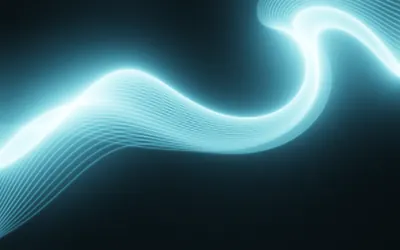
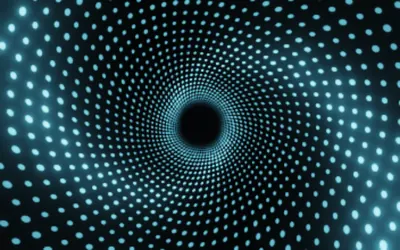
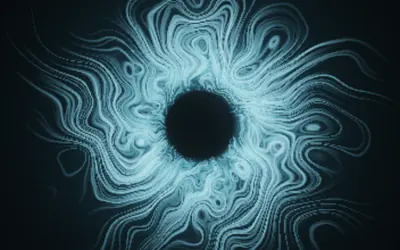
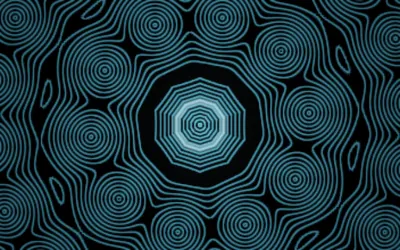
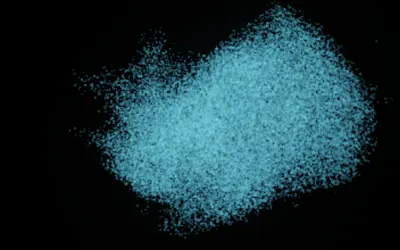
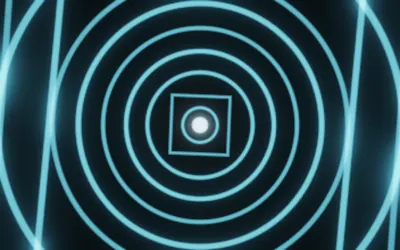
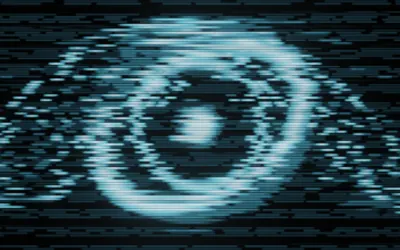
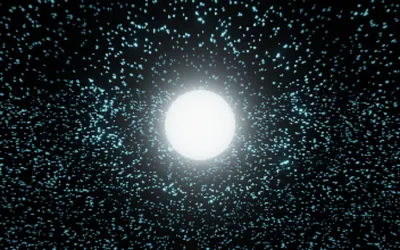
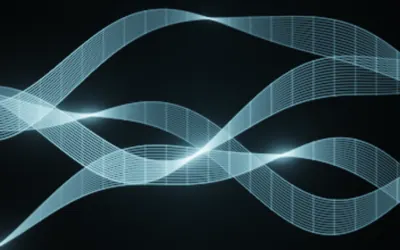
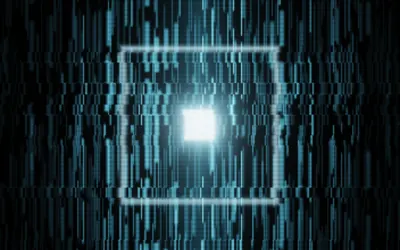
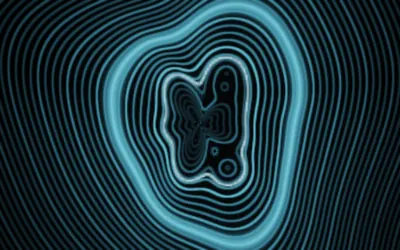
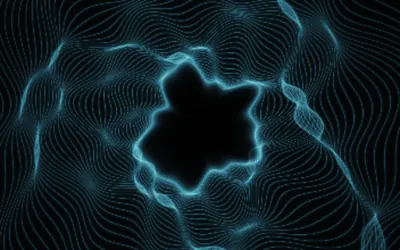
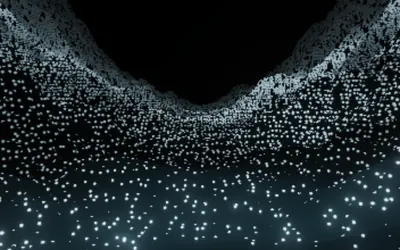
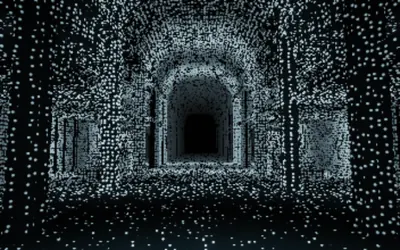
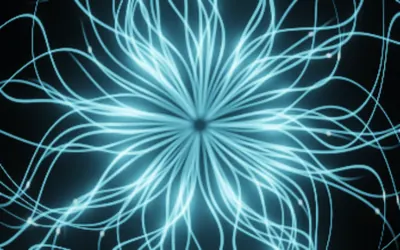
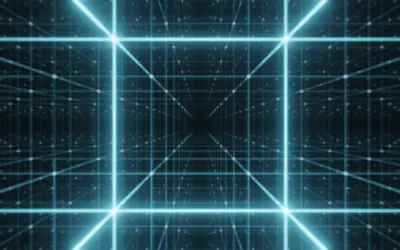
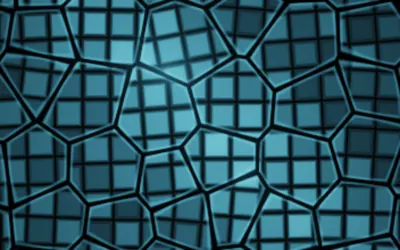
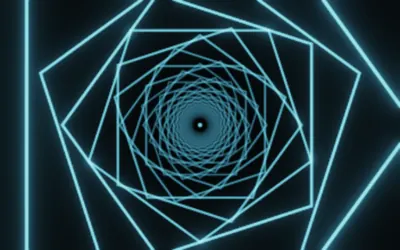
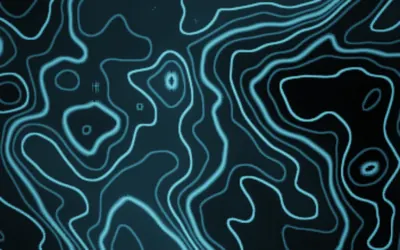
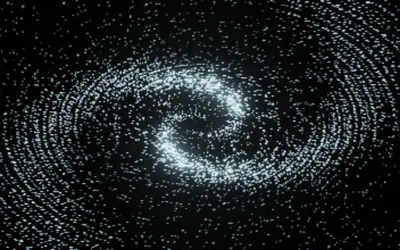
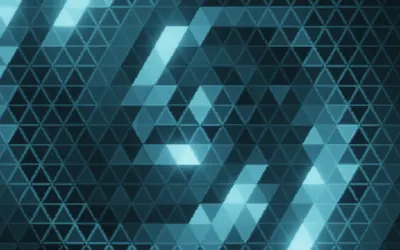
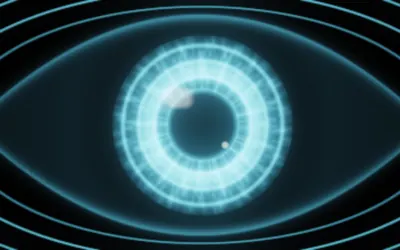
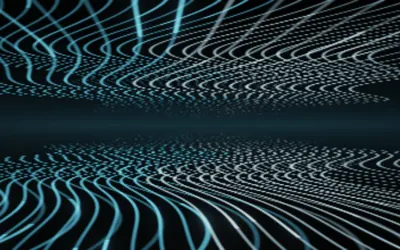
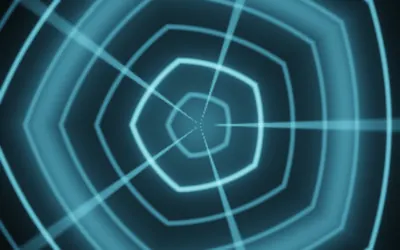
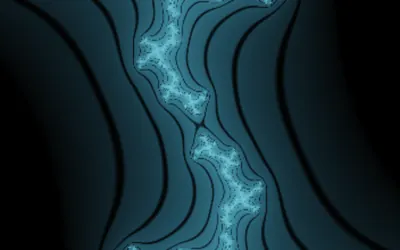
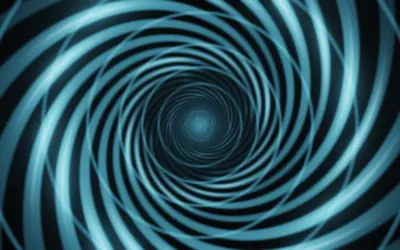
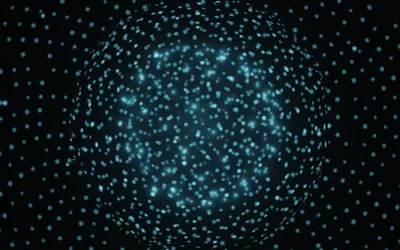
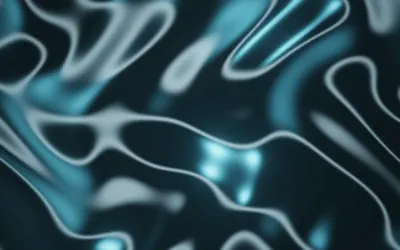
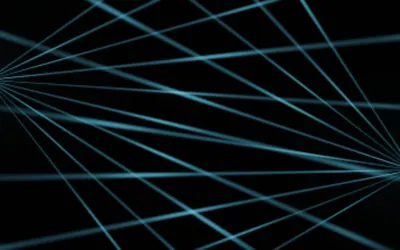
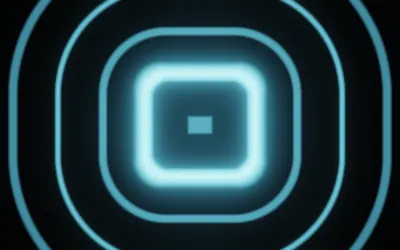
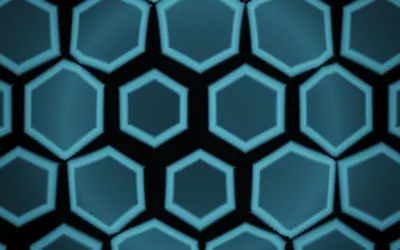
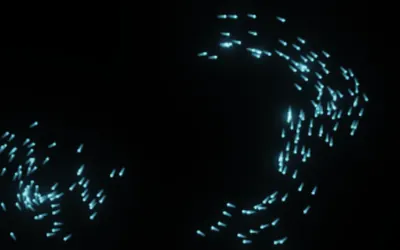
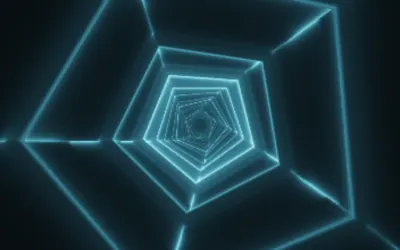
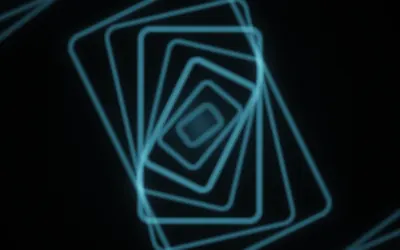
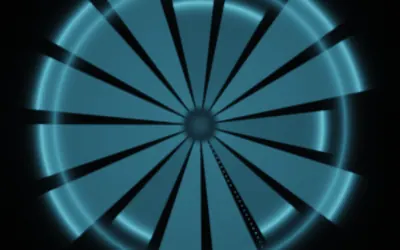
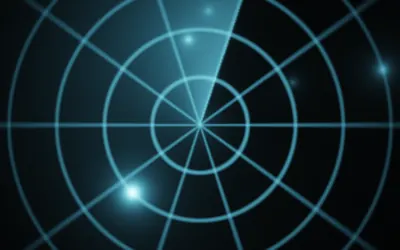
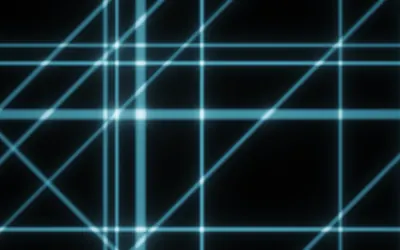
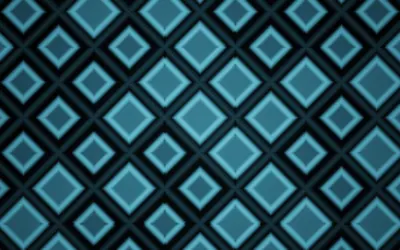
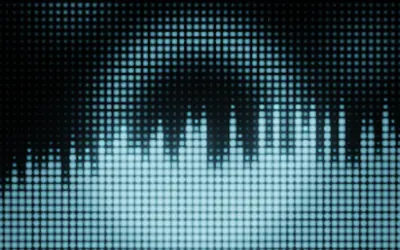
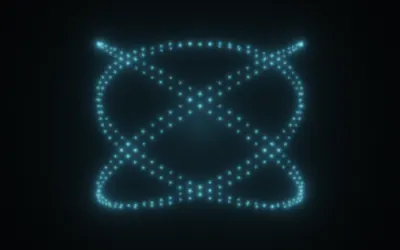
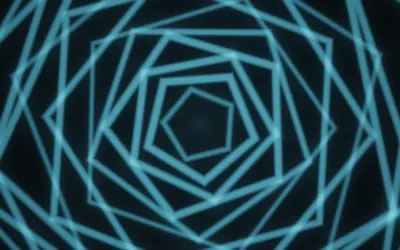
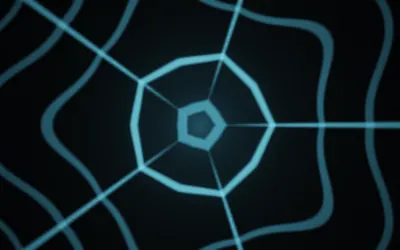
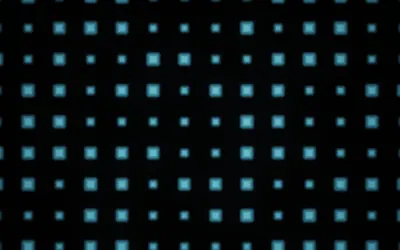
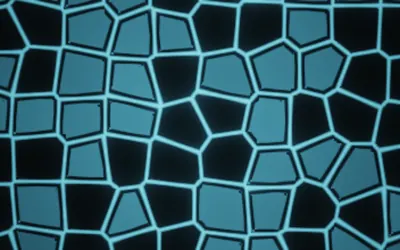
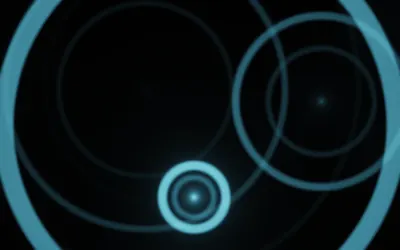
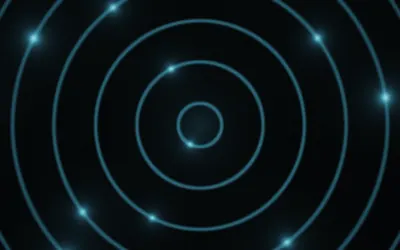
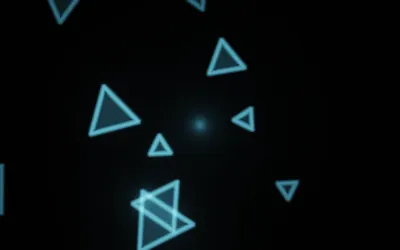
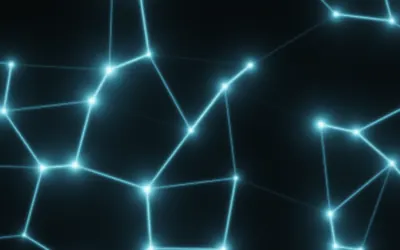
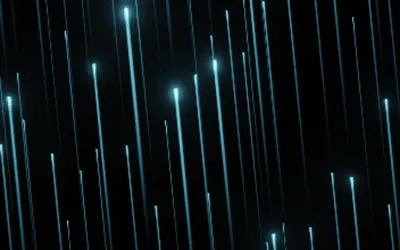
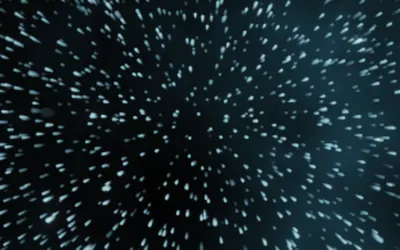
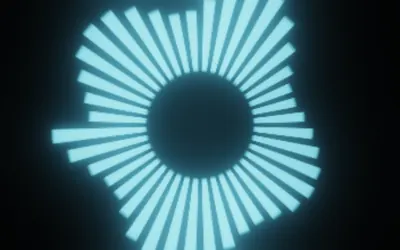
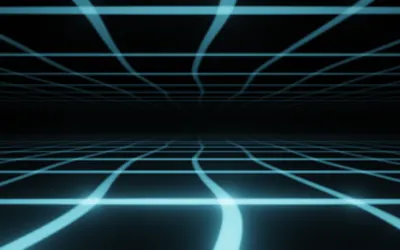
From hard tunnels to particle fields and honeycombs, all the way to liquid chrome, fractals and aurora. Every scene has its own controls, its own colours and its own way of reacting to music.




Export that fits the channel
Seamless loops
Two to sixteen bars, cut exactly on the beat. Start and end meet pixel for pixel — runs all night without a visible jump.
Whole track or section
For YouTube videos, teasers or a full show production.
Every format
Portrait for Reels, Shorts and TikTok. Square for the feed. Widescreen in Full HD — 4K and more formats are coming.
MP4 with audio
Ready to upload, with the original audio if you want it.
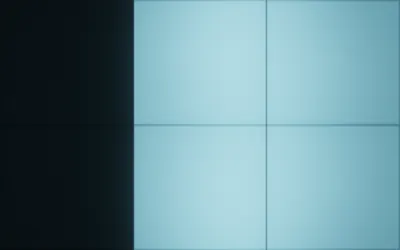
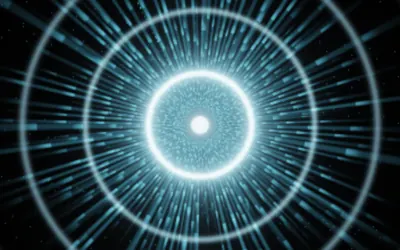
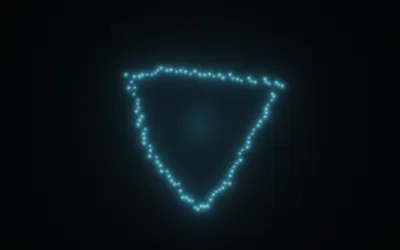
Frame 1 and frame 4 are identical — that is why the loop runs without a jump.
Anywhere a browser runs
Desktop, laptop, tablet, phone, TV, projector, LED wall. The interface adapts, the image fills any aspect ratio. Touch-friendly on mobile, keyboard shortcuts on a computer.
Play it live
A gig needs no export. Jamform listens along — through the internal sound card or the microphone — and reacts in real time.
System audio
Whatever leaves your computer drives the image. Ideal next to the player.
Microphone
Put the device next to the speakers, done. Works on any phone.
Stage window
A second window without controls for a projector or LED wall. On a tablet, fullscreen mode.
Online and offline
Jamform is a single file. Once opened, it keeps running — even without a connection. Your music stays on your device: nothing is uploaded, no queue, no account.
For everyone who makes music visible
Why Jamform
No upload
Other services send your track to their servers and render there. Here everything is local — faster, and no questions about rights.
Real loops
A loop that does not close cleanly is obvious on an LED wall. Jamform computes the motion so start and end coincide.
Adjustable, not a template
No fixed templates, but controls that really change something — right down to your own colour palettes.
Immediately clear
No manual, no node graph. Load a track and have something worth showing within a minute.
It keeps growing
Jamform is extended continuously: new scenes, new ways of reacting to music, more export paths. Everything new is available at once — no update, no reinstall.
Give it a try
No account, no install. One click, one track, one video.
Try it now